Silent Hill Townfall Alternate Outfit: How to Get Simon's Costume
Updated 2026-10-12 · Category: Guide
Simon's alternate outfit (listed as Simon's Outfit: Alternate) comes only with the Digital Deluxe Edition of Silent Hill: Townfall, alongside 48-hour early access and the Bonus Application. It is a separate download: if it is not installed, it will not appear in the menus. Switch it on in Cosmetic Options when you start a New Game, or later from Options > Game Options. It is a blue cap and a Chapman Energy Group vest, visible only in cutscenes because the game is first person, and it has no effect on gameplay or trophies.
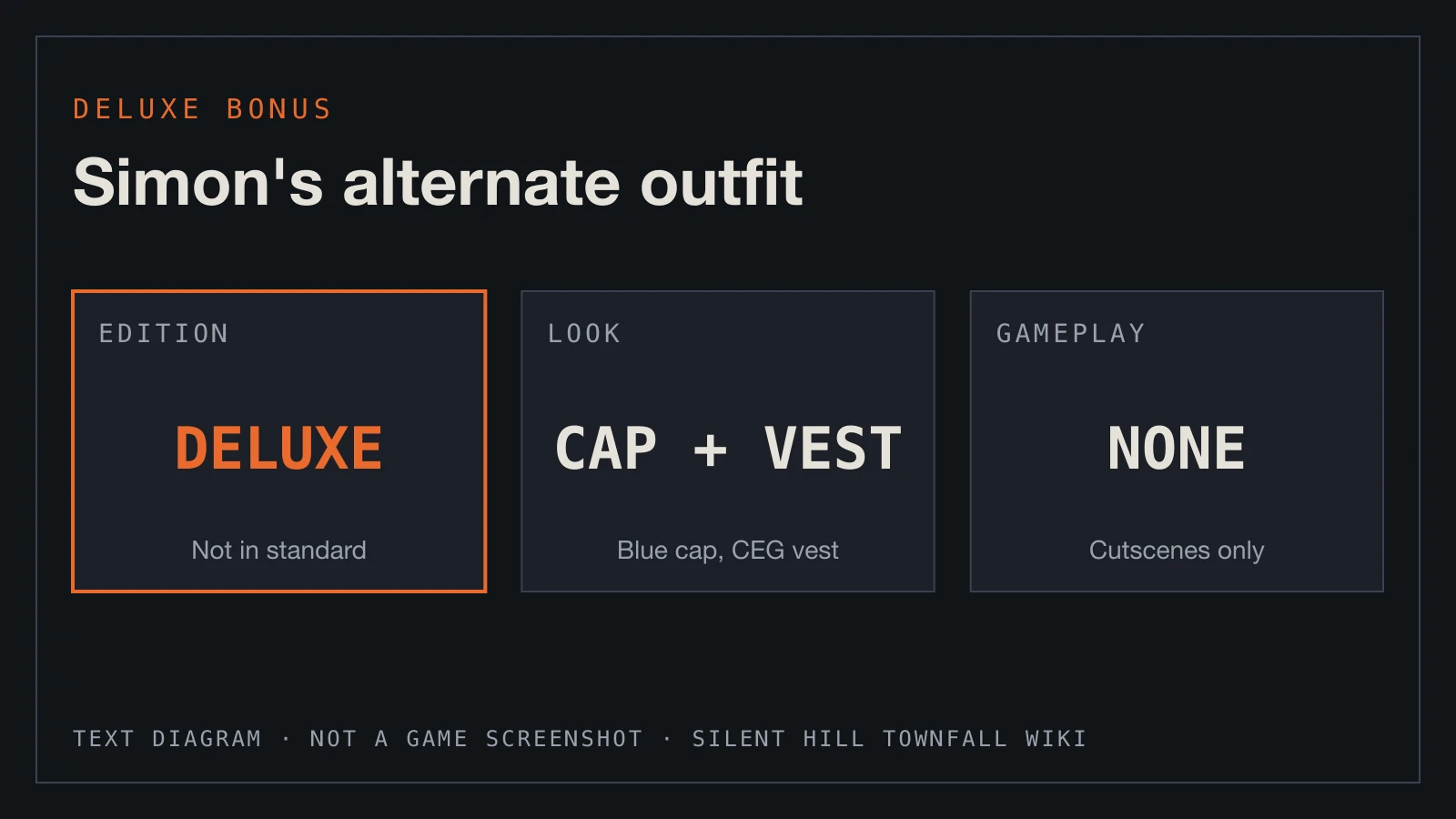
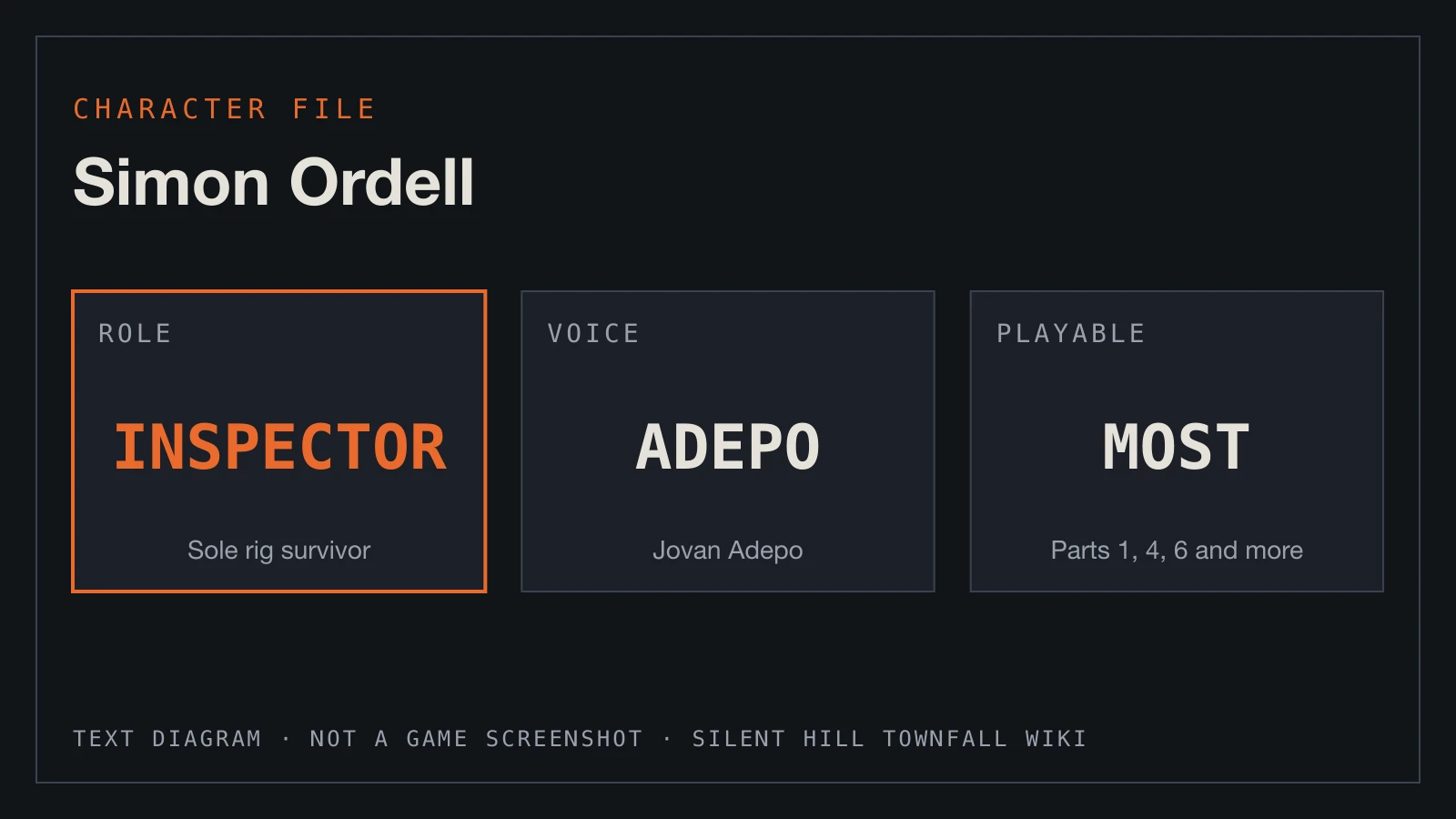
A plain text diagram of the answer, not a game screenshot. The details come from the sources cited on this page.
Silent Hill Townfall Wiki · original text diagram, no AI or game assets · Material statementThe outfit at a glance
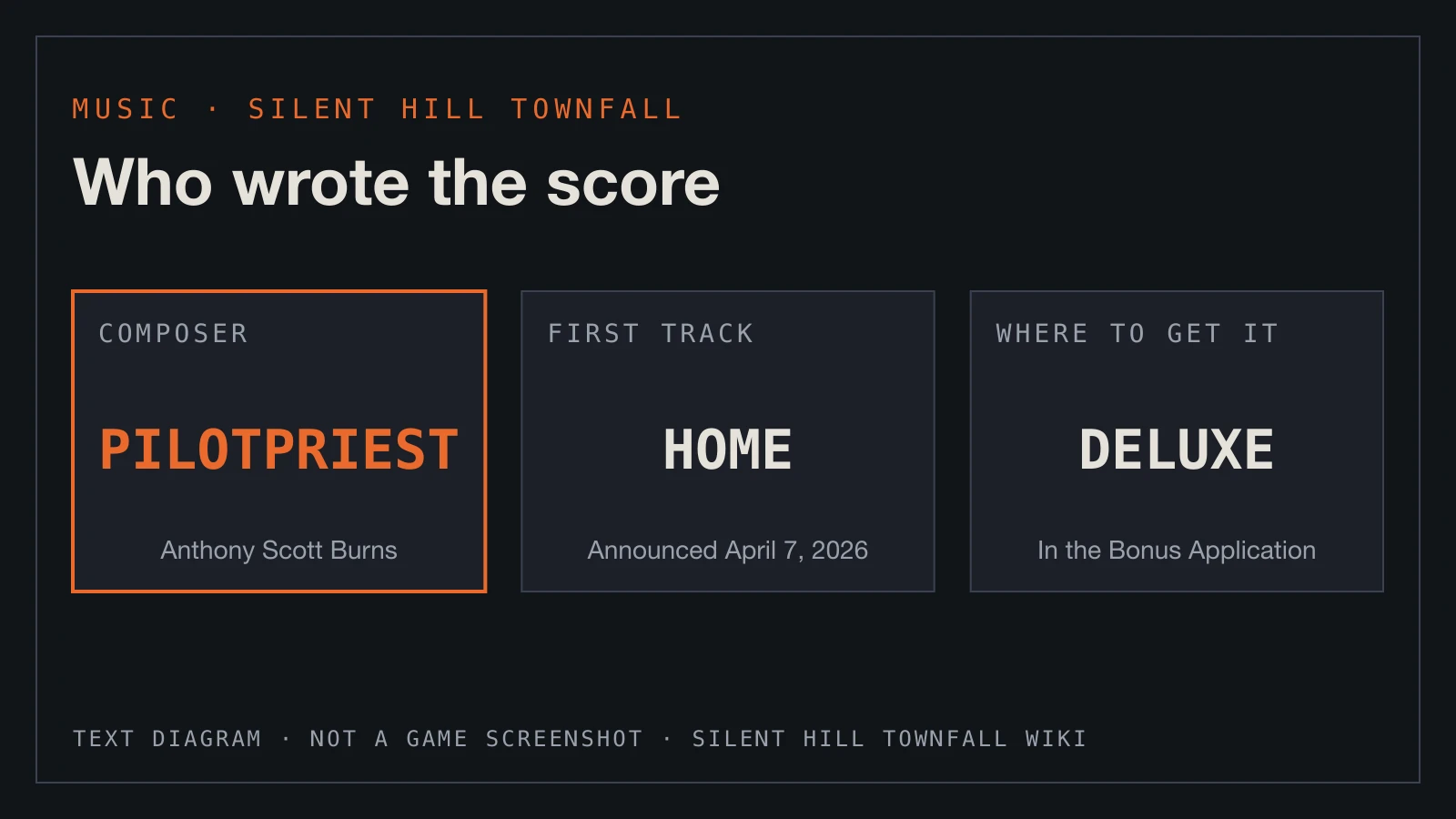
What else the Deluxe Edition includes
| Question | Answer |
|---|---|
| Edition | Digital Deluxe Edition only ($59.99) |
| Store listing | Simon's Outfit: Alternate |
| Install | A separate downloadable item; download it with the game |
| Where to equip | Cosmetic Options at New Game, or Options > Game Options |
| Look | Blue cap and a Chapman Energy Group (CEG) vest |
| When you see it | In story cutscenes only |
| Gameplay effect | None |
How to switch it on
- Make sure the outfit is downloaded. On PS5 it is listed as its own item with your purchase; on PC check the DLC list for the game.
- New run: on the Cosmetic Options screen while setting up a New Game, set Simon's Outfit to Alternate. A preview shows the costume.
- Existing run: pause, open Options, then Game Options, and change Simon's Outfit there. The change applies to your current save straight away.
The menu names come from a single guide and may be worded slightly differently in your version. If you cannot find the option, look under Game Options.
Why the outfit isn't showing up
- You own the standard edition. The outfit comes with the Deluxe Edition, and standard buyers do not get it.
- The bonus content was not downloaded. None of the Deluxe items switch themselves on, and a skipped download means the option never appears.
- You are looking during gameplay. Townfall is first person, so the costume only shows in cutscenes.
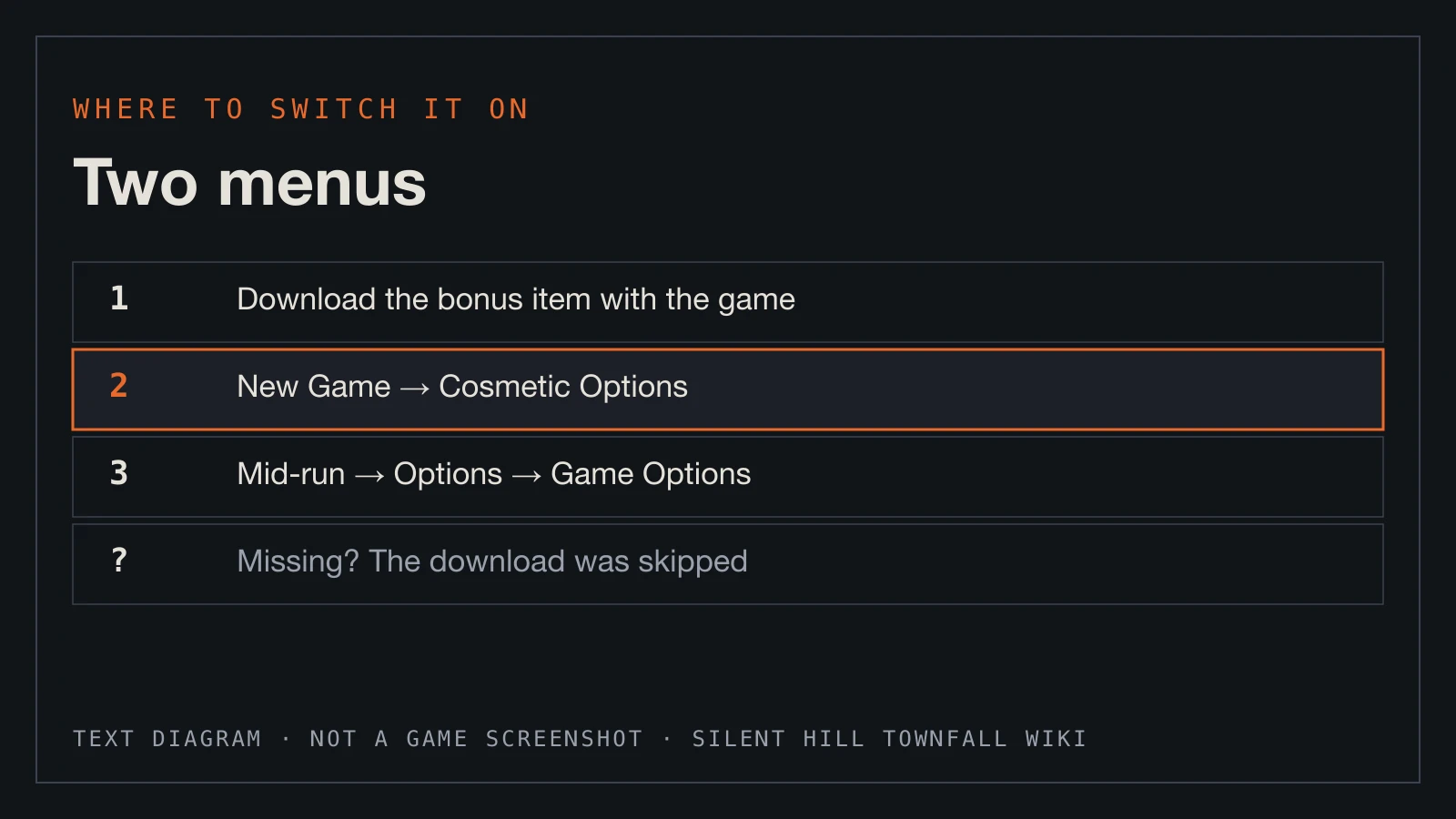
A plain text diagram summarising this section, not a game screenshot.
Silent Hill Townfall Wiki · original text diagram, no AI or game assets · Material statementIs it worth it?
Only as part of the Deluxe package. The outfit changes nothing about movement, health, stealth, endings or trophies, so on its own it is a cosmetic extra. The Deluxe Edition's real value is the 48-hour head start, plus the Bonus Application with the digital artbook and soundtrack.
The CEG vest is a nice touch once you know the story: CEG is the energy company at the centre of everything in St. Amelia.
Silent Hill Townfall FAQ
How do you get the alternate outfit in Silent Hill Townfall?
- Buy the Digital Deluxe Edition, download the bonus content, then set Simon's Outfit to Alternate in Cosmetic Options or Options > Game Options.
What does the alternate outfit look like?
- A blue cap and a Chapman Energy Group vest.
Can you change the outfit mid-game?
- Yes, from Options > Game Options. It applies to your current save.
Why can't I see the outfit?
- It only appears in cutscenes, because the game is played in first person.
Does the outfit affect trophies?
- No. It is purely cosmetic.